Process
Learn MindShare step by step, then map a process of your own.
Follow the arrows, do each step on the empty canvas beside them, then replace the flow with yours.
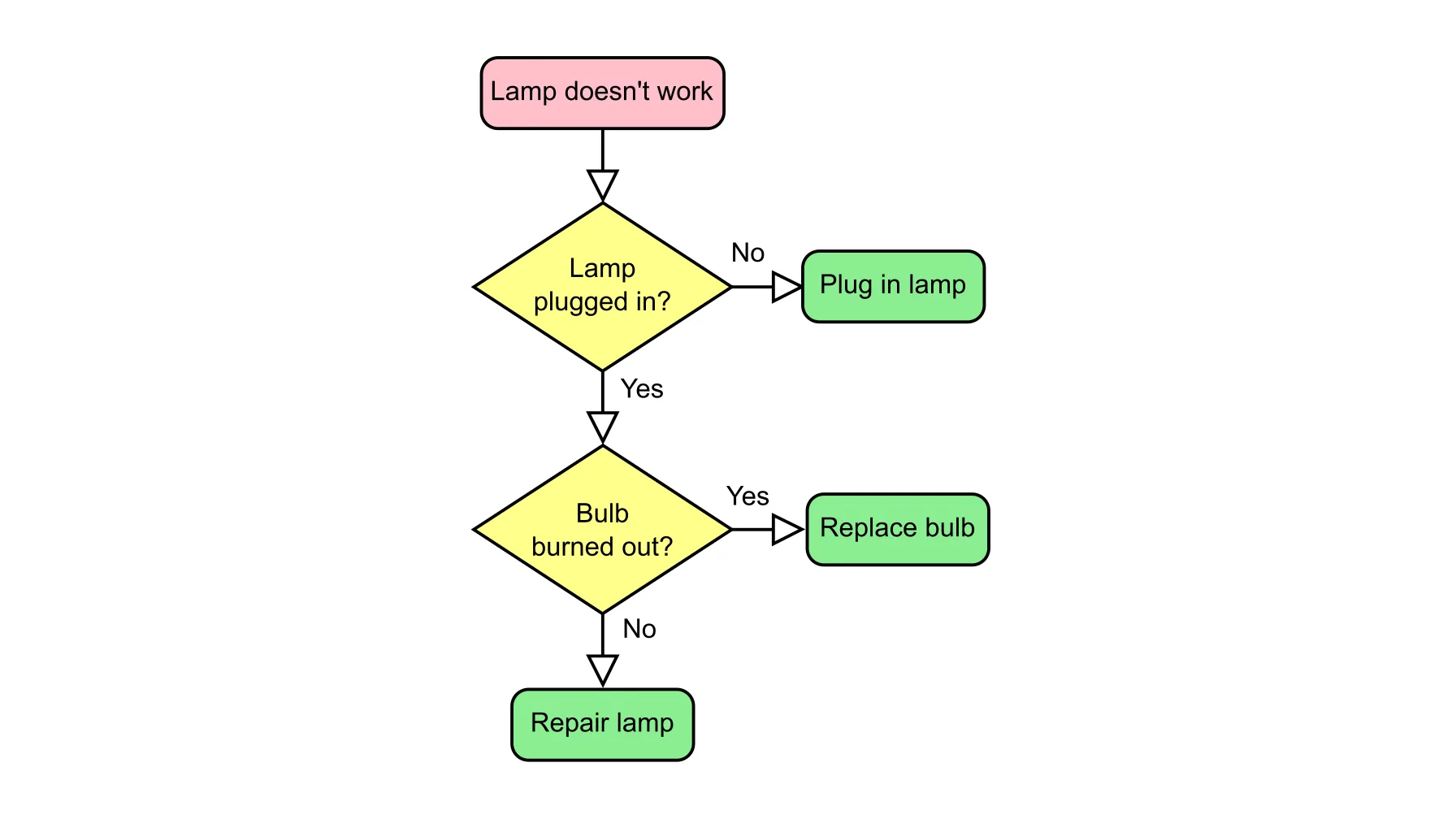
How to extend it
-
Make your own copy
Click Download JSON at the bottom of this page. On the MindShare home screen, drop the file into Upload the file, then click Save and keep the address it opens. Open graph only shows our copy.
-
Follow the arrows
Start at Start here. Click each step, read its clicks and do them on the empty canvas to the right of the flow.
-
Practise on the garden
Create the Tomato and Basil nodes, link them, filter and save, as the steps say. Ctrl/Cmd-Z undoes a click.
-
Clear the canvas
At Done, delete the tutorial and the garden.
-
Map your own process
Add a node of type Start, then Step, Decision and End nodes in order. Link each step to the next with an arrow, for example leads to, and name decision links yes and no.
-
Or let your AI assistant fill it in
Give the JSON file and your written procedure to the AI assistant you already use. Ask it to add your items in the same format as the samples, then import the result on the home screen.
-
Save
Click Save once your own nodes exist, then after every change. A type no node uses is dropped when you save.